
How to Get More Google Reviews Without Being Pushy
If you run a local business, Google reviews are one of the most powerful ranking and trust signals you can build. They influence your position in the Local Pack, your click-through rate from Maps, and whether a first-time customer picks you over the shop next door.
The problem? Most business owners either forget to ask, ask at the wrong moment, or feel awkward requesting feedback. This guide walks you through 8 practical, ethical tactics to consistently collect more Google reviews, with templates, timing rules, and tools you can implement this week.
Why Google Reviews Matter More Than Ever in 2026
Before we get into the how, let’s align on the why:
- Local ranking: Google uses review quantity, quality, recency, and keyword content as ranking factors for local search.
- Conversion: Businesses with 40+ recent reviews and a 4.5+ average convert significantly more Maps visits into calls and visits.
- Trust: Shoppers now read an average of 7 to 10 reviews before choosing a local business.
- AI overviews: Google’s AI-generated local summaries pull heavily from review content, so what your customers write matters.
The 8 Proven Tactics to Get More Google Reviews
1. Create a Short, Memorable Review Link
Long Google review URLs kill conversions. Grab your short link from your Google Business Profile dashboard:
- Sign in to Google Business Profile.
- Click Read reviews, then Get more reviews.
- Copy the short URL Google generates (it looks like g.page/r/xxxx/review).
- Shorten it further with a branded domain if possible (e.g. yourbrand.com/review).
This single link becomes the backbone of every tactic below.
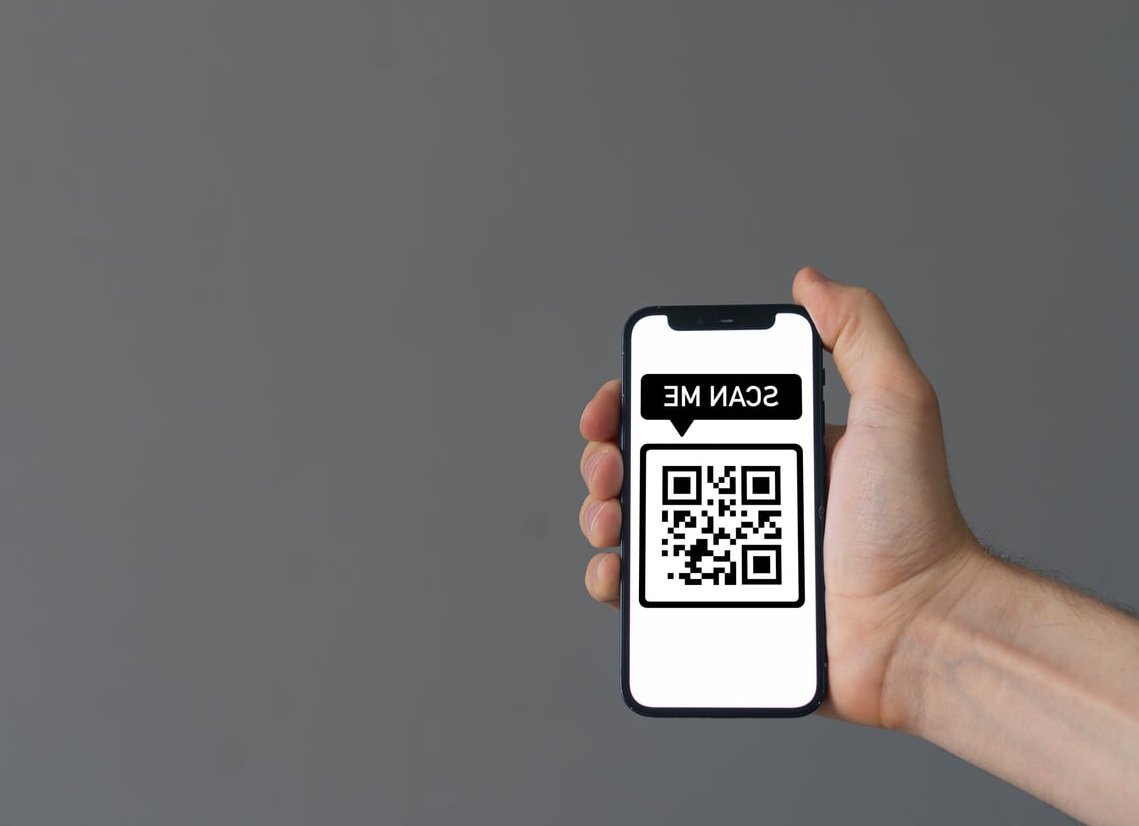
2. Use QR Codes at Every Customer Touchpoint
A well-placed QR code removes 90% of the friction. Generate one from your short review link and place it where customers already look:
- Receipts and invoices
- Table tents or counter displays
- Business cards
- Packaging and thank-you inserts
- Email signatures (as a clickable image)
Add a short line of copy next to it: “Enjoyed your visit? Scan to share a quick review, it takes 30 seconds.”
3. Ask at the Peak Moment of Satisfaction
Timing beats persistence. Ask when the customer is happiest, not when it’s convenient for you.
| Business Type | Best Moment to Ask |
|---|---|
| Restaurant | When paying the bill after a compliment |
| Home services | Right after the final walk-through |
| Salon / spa | Immediately after the mirror reveal |
| E-commerce (local) | 3 to 5 days after delivery |
| Medical / dental | Same-day follow-up SMS |
4. Send a Follow-Up Email With the Right Timing
For services where feedback isn’t instant, a follow-up email works well. The sweet spot is 24 to 72 hours after service. Longer than that, and the memory fades.
Email template you can copy:
Subject: Quick favor, Sarah?
Hi Sarah,
Thanks again for choosing [Business Name] this week. It was a real pleasure helping you with [specific service].
If you have 30 seconds, would you mind sharing your experience on Google? Honest feedback helps other local customers find us, and it means a lot to our small team.
Here’s the direct link: [your short review URL]
Thank you,
[Your name]
5. Send SMS Requests (They Convert 3x Better Than Email)
Text messages have a 98% open rate. Keep them short, personal, and always include the review link.
SMS template:
Hi [First name], it was great seeing you at [Business Name] today! If you have a moment, we’d love a quick Google review: [short link]. Thank you! – [Your name]
Only send from a real business number and make sure the customer opted in.
6. Train Your Team to Ask in Person
The single highest-converting method is a warm, in-person ask from the person who delivered the service. Give your team a simple script:
“I’m really glad you’re happy with [specific thing]. If you ever have a minute, a quick Google review would genuinely help us. I can text you the link right now if that’s easier.”
Then send it immediately while they’re standing there. Conversion rates on this can hit 40 to 60%. (via https://wordstream.com)
7. Respond to Every Review, Positive or Negative
Responding publicly signals to Google and to future customers that you’re engaged. It also encourages more reviewers because they see their voice will be heard.
- Positive reviews: Use the reviewer’s name, reference something specific they mentioned, and reinforce your service naturally.
- Negative reviews: Stay calm, apologize where warranted, move the conversation offline with a phone number or email, and never argue publicly.
Positive response example:
“Thanks Marc, we’re thrilled the roof repair went smoothly and that our crew left the site spotless. That’s exactly the standard we aim for. See you next time!” This guide goes deeper on it.
8. Add Review Prompts to Your Website and Emails
Give happy customers who visit your site a way to leave feedback:
- Add a “Leave a Review” button in your website footer.
- Include the link in your email signature.
- Embed a Google review widget on your homepage (social proof plus a call to action).
- Add it to order confirmation and thank-you pages.
What You Should Absolutely Avoid
Google’s policies are strict, and violating them can get your reviews wiped or your profile suspended.
- Never buy reviews. It’s against Google’s terms and increasingly detectable by AI moderation.
- Never offer discounts, gifts, or incentives in exchange for reviews.
- Don’t review-gate: asking only happy customers while filtering out unhappy ones is banned.
- Don’t ask employees or family to review you, especially from your business IP address.
- Don’t post reviews in bulk from the same device or location.
A Realistic 30-Day Plan to Double Your Reviews
- Week 1: Set up your short review link, generate QR codes, print signage.
- Week 2: Train your team on the in-person ask and add the link to email signatures.
- Week 3: Launch automated SMS or email follow-ups 24 to 72 hours after service.
- Week 4: Respond to every existing review, then audit and adjust based on conversion.
Most local businesses following this system see 15 to 40 new reviews per month, depending on customer volume.
FAQ: Getting More Google Reviews
How do I get 1000 Google reviews?
Reaching 1000 reviews is a matter of consistency, not tricks. If you serve 50 customers a week and convert 15% into reviewers, that’s roughly 30 reviews per month, or about 2.7 years to reach 1000. Systematize your ask at every transaction and it becomes inevitable.
Is it legal to buy Google reviews?
Buying reviews violates Google’s policies and, in many countries including the US, EU, UK, and Canada, it’s also illegal under consumer protection laws. Fines and profile suspensions are both real risks.
Can I offer a discount in exchange for a review?
No. Google explicitly bans incentivized reviews. You can thank customers, but you cannot condition any reward on leaving one.
How long does it take for a Google review to appear?
Most reviews appear within a few minutes. Some are held for automated moderation for 24 to 72 hours, especially if the reviewer has no history or if the content triggers spam filters.
What should I do if a customer leaves a fake or unfair review?
Flag it through your Google Business Profile dashboard, respond professionally in the meantime, and document evidence. Google removes clearly policy-violating reviews, though the process can take a few weeks.
Do reviews from mobile count the same as desktop?
Yes. Google treats them equally. However, mobile reviews are far more common because customers are already on their phones when they scan a QR code or click a text link.
Final Thoughts
Getting more Google reviews isn’t about pressure or tricks, it’s about making the ask easy, timely, and human. Combine a short link, a QR code, a well-timed follow-up, and a trained team, and you’ll build a steady flow of authentic reviews that boost both your local ranking and your credibility. Start with one tactic this week, measure the results, then layer on the next.